How to Install Chrome Extension
How to install the Droopify Chrome Extension in Chrome: it is not on the Chrome Web Store and must be added manually.
Before you start
- You use Google Chrome on a computer (macOS or Windows).
- You are logged in to Droopify in the same Chrome profile where you install the extension.
- What the extension does: Chrome Extension.
Installing the Chrome Extension
-
In Droopify open Settings > Preferences & Tools. In the Tools panel, under Chrome Extension, click Download now: you download the
DroopifyExt.zipfile.
-
Move
DroopifyExt.zipto your Desktop.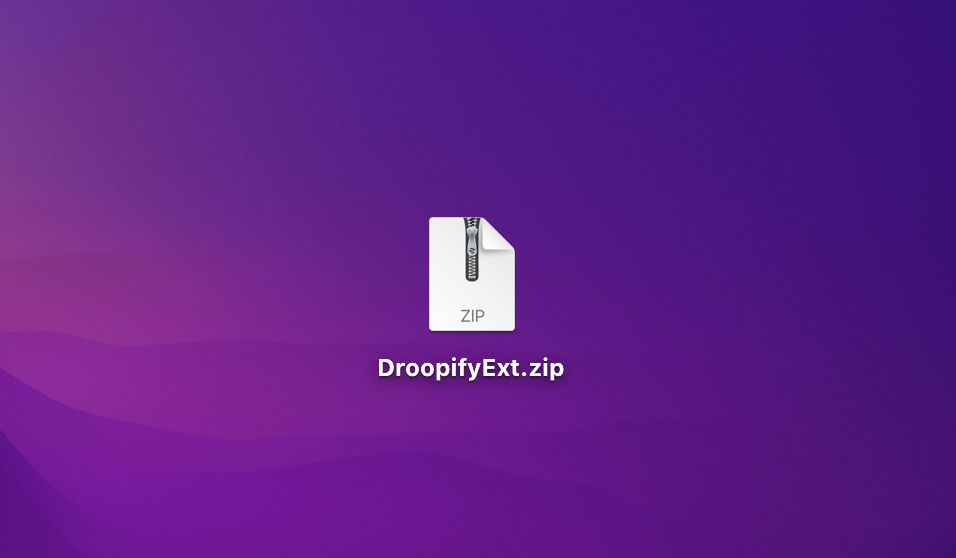
-
Extract the zip, usually with a double click. If the DroopifyExt folder opens in another window, drag it to the Desktop.
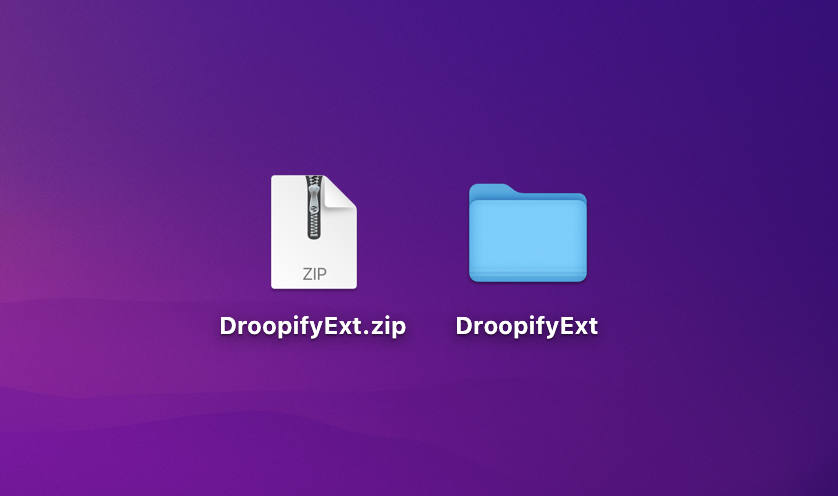
-
Open the DroopifyExt folder: it must contain the extension files. If you find another DroopifyExt folder inside, move it to the Desktop and use that one. You can now delete the zip, but not the folder.
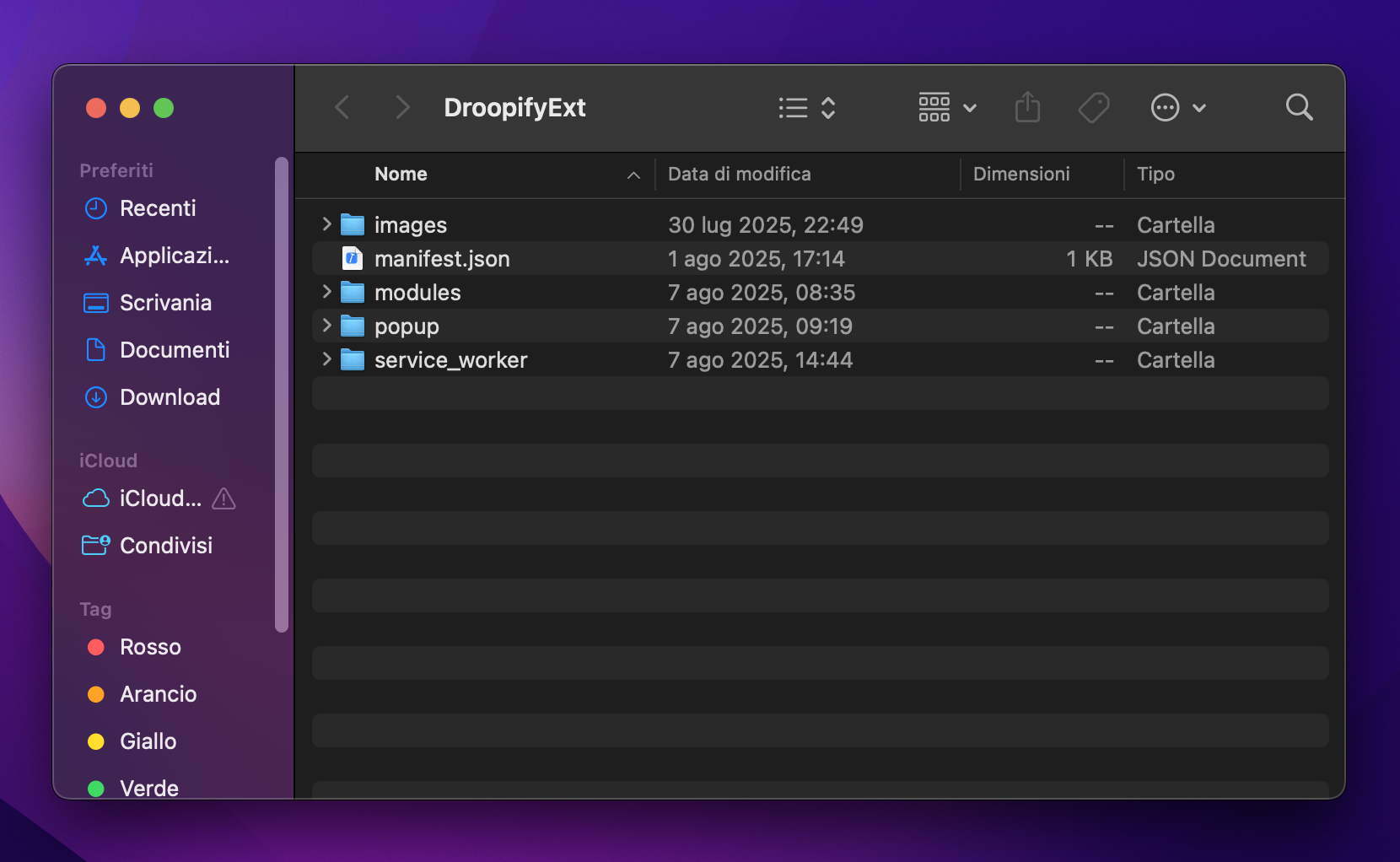
-
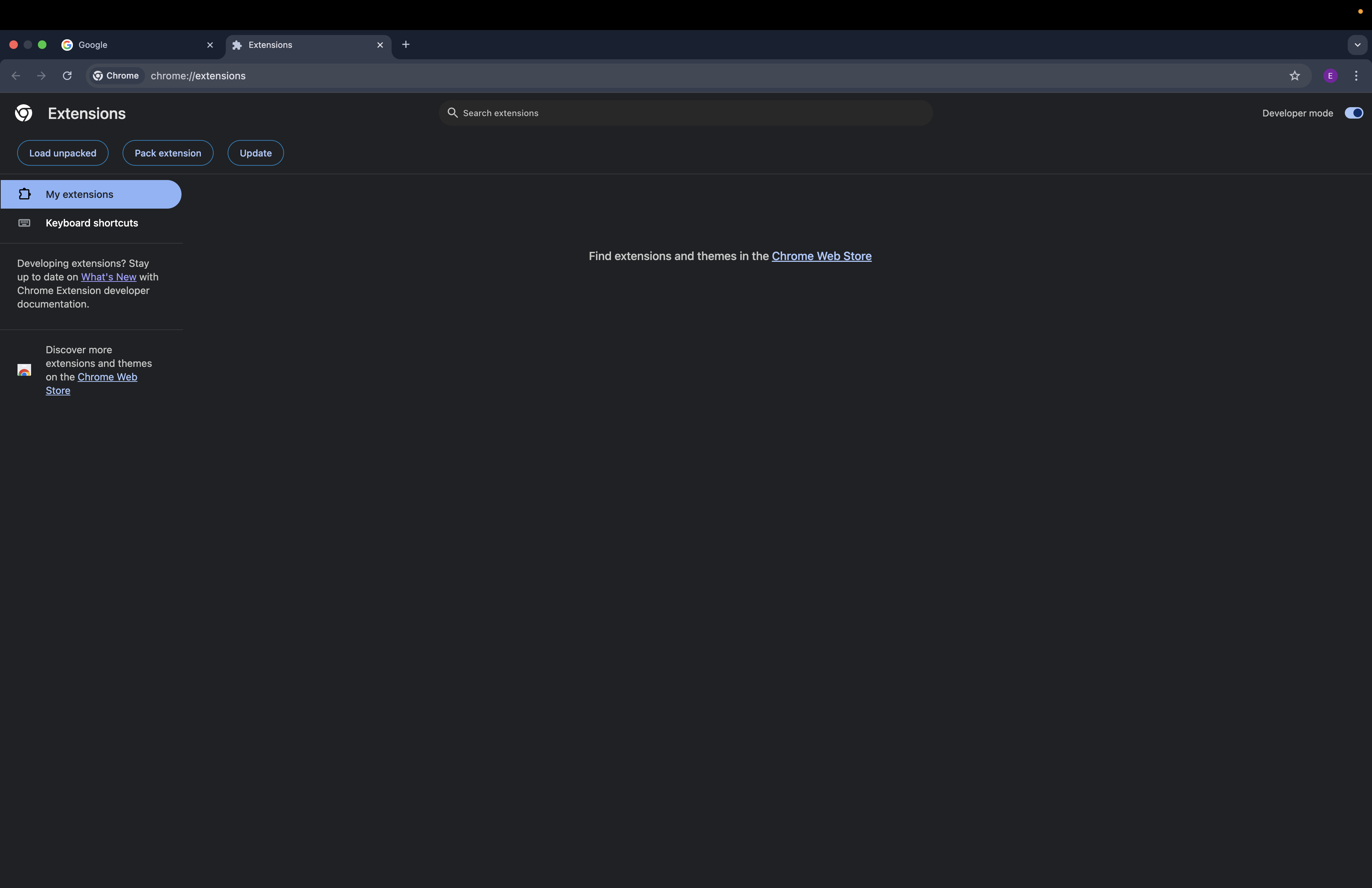
In Chrome click the three dots at the top right and choose Extensions > Manage Extensions, or open the address
chrome://extensions/.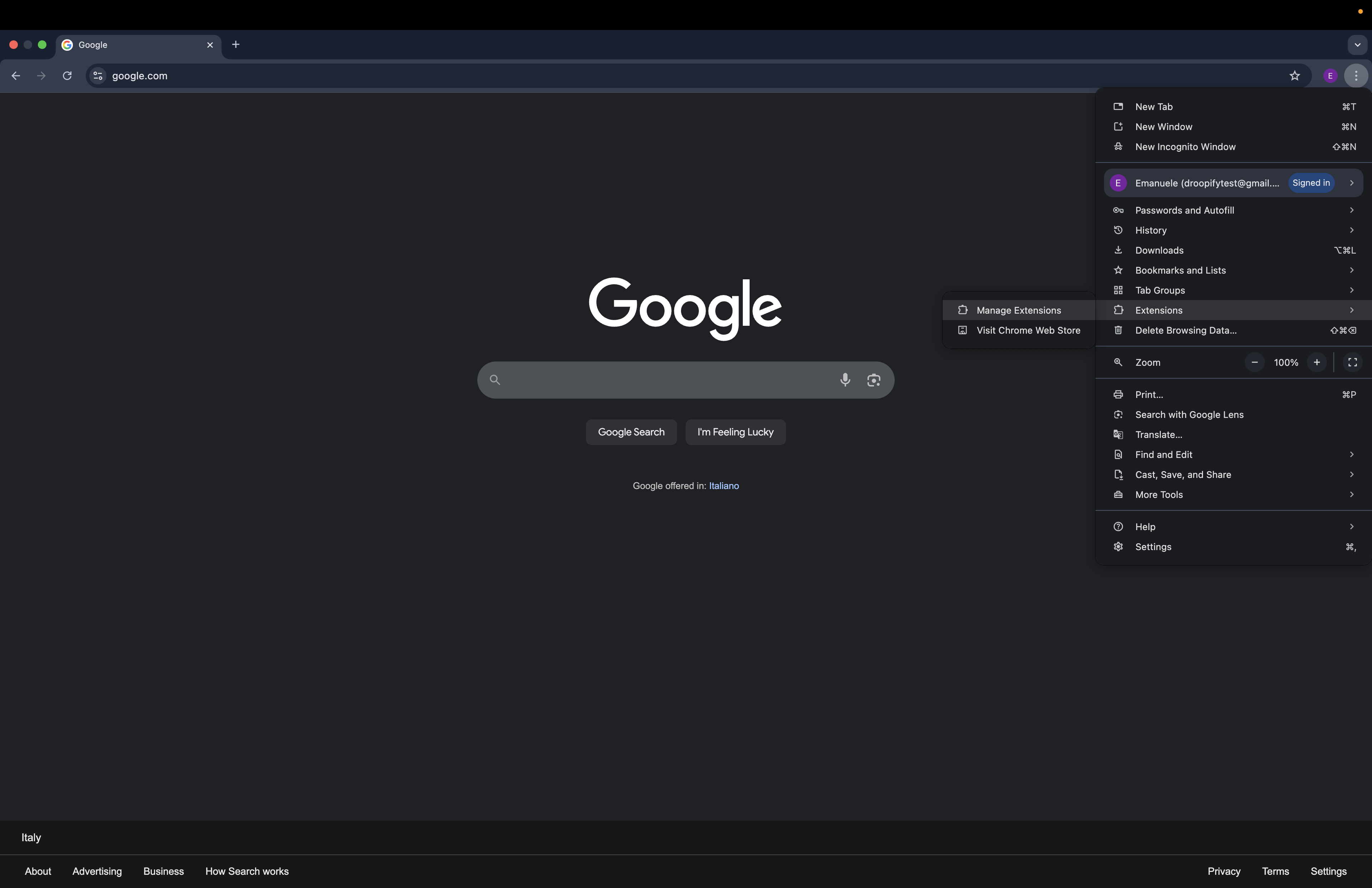
-
Turn on Developer mode at the top right, click Load unpacked and select the DroopifyExt folder on the Desktop.
-
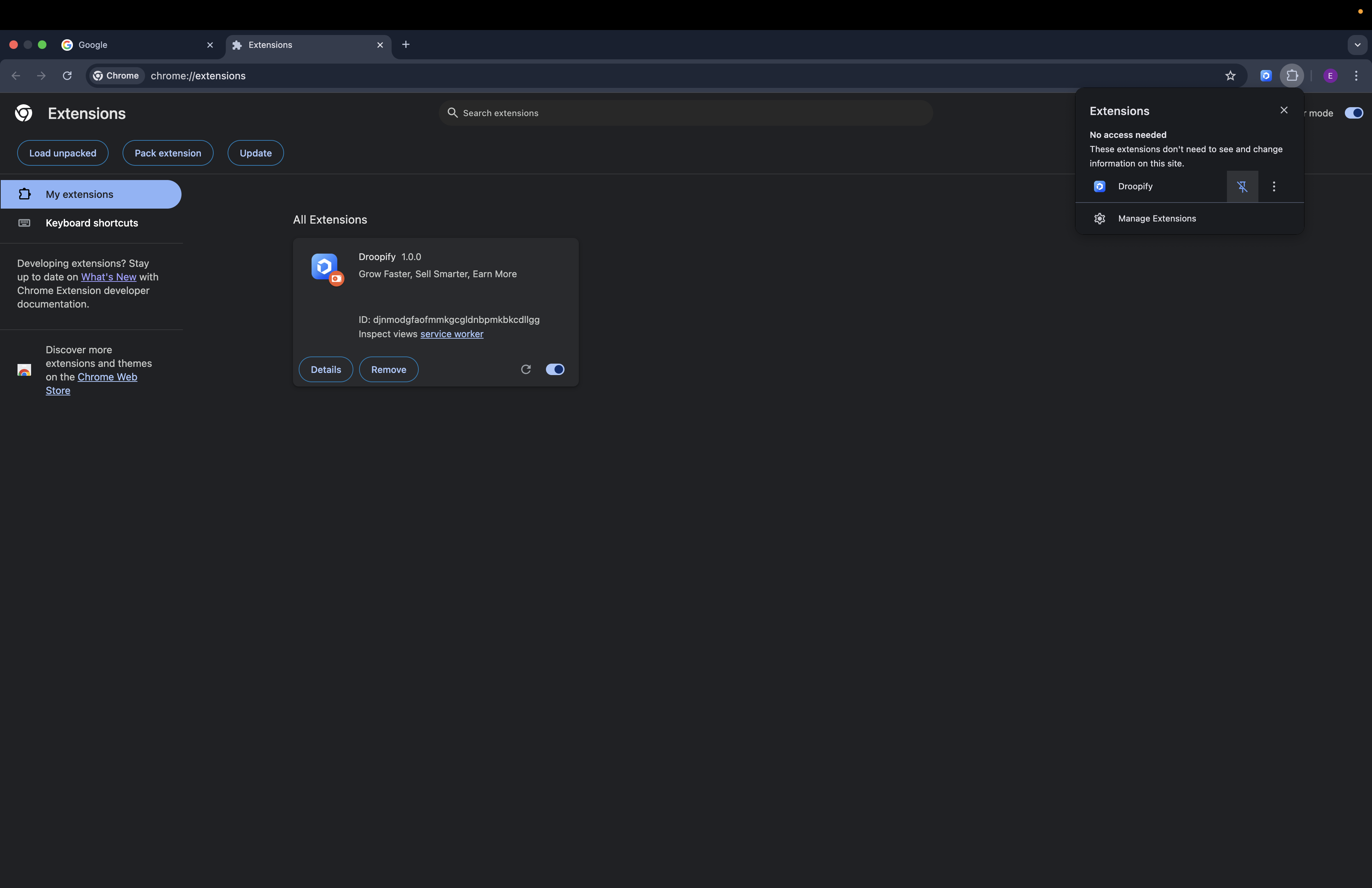
Click the puzzle icon at the top right and, next to Droopify, the pin icon: the extension stays visible in the Chrome bar.
-
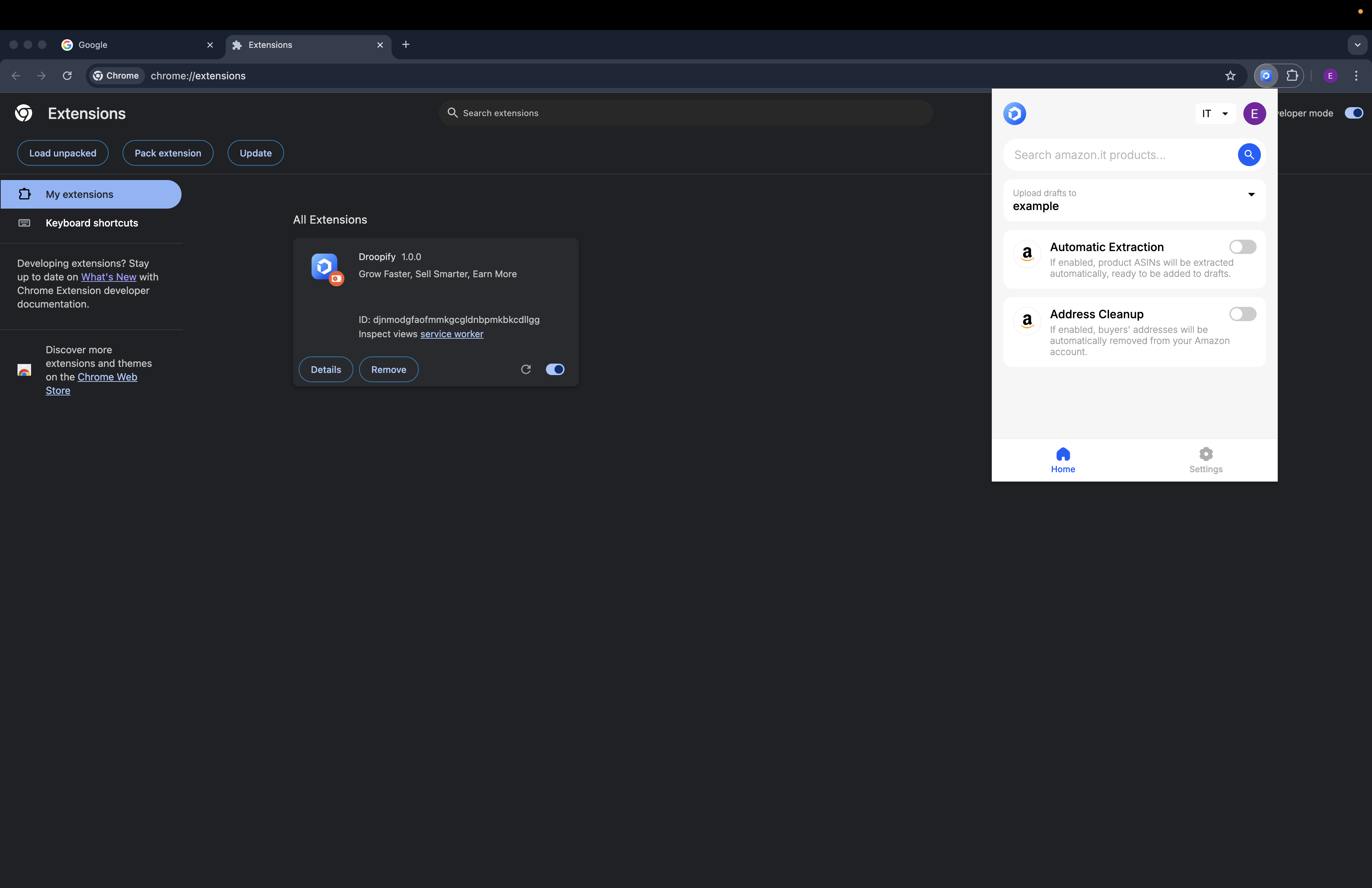
Click the Droopify icon in the Chrome bar: if the extension window opens, the installation worked.
The full procedure on video, on Windows:
Updating the Chrome Extension
To update the extension, repeat the same procedure with the file downloaded again from Preferences & Tools.
What happens next
With the extension installed, the Droopify buttons appear on Amazon and AliExpress pages and you can use Send to Chrome Extension from the Orders page. The DroopifyExt folder must stay where you loaded it from: if you delete or move it, the extension stops working.
Common problems
| Problem | What to do |
|---|---|
| Opening the extension opens the Droopify login page | Log in to Droopify in the same Chrome profile and open the extension again |
| Chrome does not accept the selected folder | You chose the wrong folder: select the DroopifyExt folder that directly contains the extension files |
| The extension stopped working after tidying up the Desktop | The DroopifyExt folder was moved or deleted: install it again |